> ## Documentation Index
> Fetch the complete documentation index at: https://docs.argil.ai/llms.txt
> Use this file to discover all available pages before exploring further.
# AI actions - Special B-rolls
> How to create influencer alive in different scenes with consistency
This will ONLY work when you select an avatar created with the builder
### How does it work (video tutorial below)
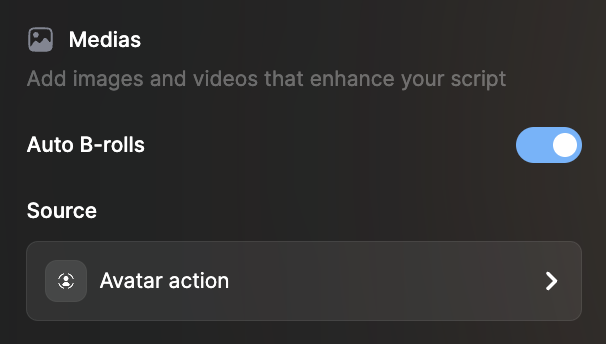
To create a video, if you pick an avatar made thanks to the builder, you can have it do all sorts of actions in the B-rolls (videos that play on top of your avatar talking).\
While your avatar is talking about its day, you can illustrate each one of them with a specific video.
We automatically generate images based on your script, no need to prompt it.
The actions are videos but **you can only preview an image**. Each image is the first frame of the video. The video will be visible after clicking on generate on the top right (10-15 minutes).
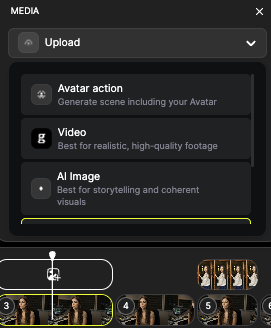
If you want to illustrate a clip with no B-roll, simply pick "AI action" in the B-roll options and shuffle through the option. Then click "generate". \
If that clip already has a B-roll selected, you can click on the "bin" symbol to regenerate new options.
Any questions? Ask [support@argil.ai](mailto:support@argil.ai) or [join our Discord](https://discord.gg/E4E3WFVzTw).